
Cave Slimes
👋 Introduction
Hi! I'm Lukáš from Hardware Cave and I'll show you how to get the most out of your new SlimeVR trackers.
📖 Official documentation: https://docs.slimevr.dev/quick-setup
💻 Getting Started – Software Download
The first thing you'll need is the SlimeVR Server.
You can find it on the official website: https://slimevr.dev/download
🔌 Connecting Trackers to WiFi
- Turn on the tracker and connect it via USB cable.
- The SlimeVR Server will prompt you to enter your 2.4GHz WiFi credentials.

- After connecting the first tracker, you can leave it on, unplug the USB cable, and connect the next tracker the same way.
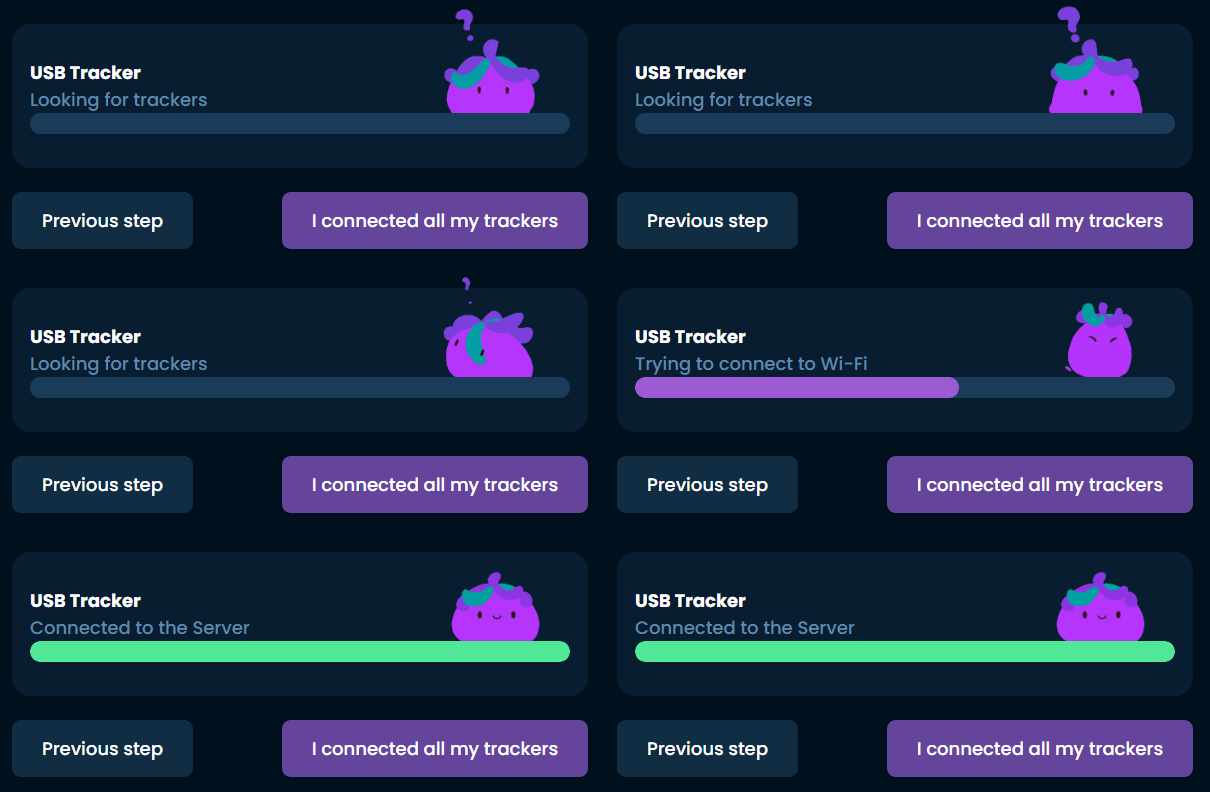
- Once all trackers are connected, turn them off – this ensures the best conditions for gyroscope stabilization.
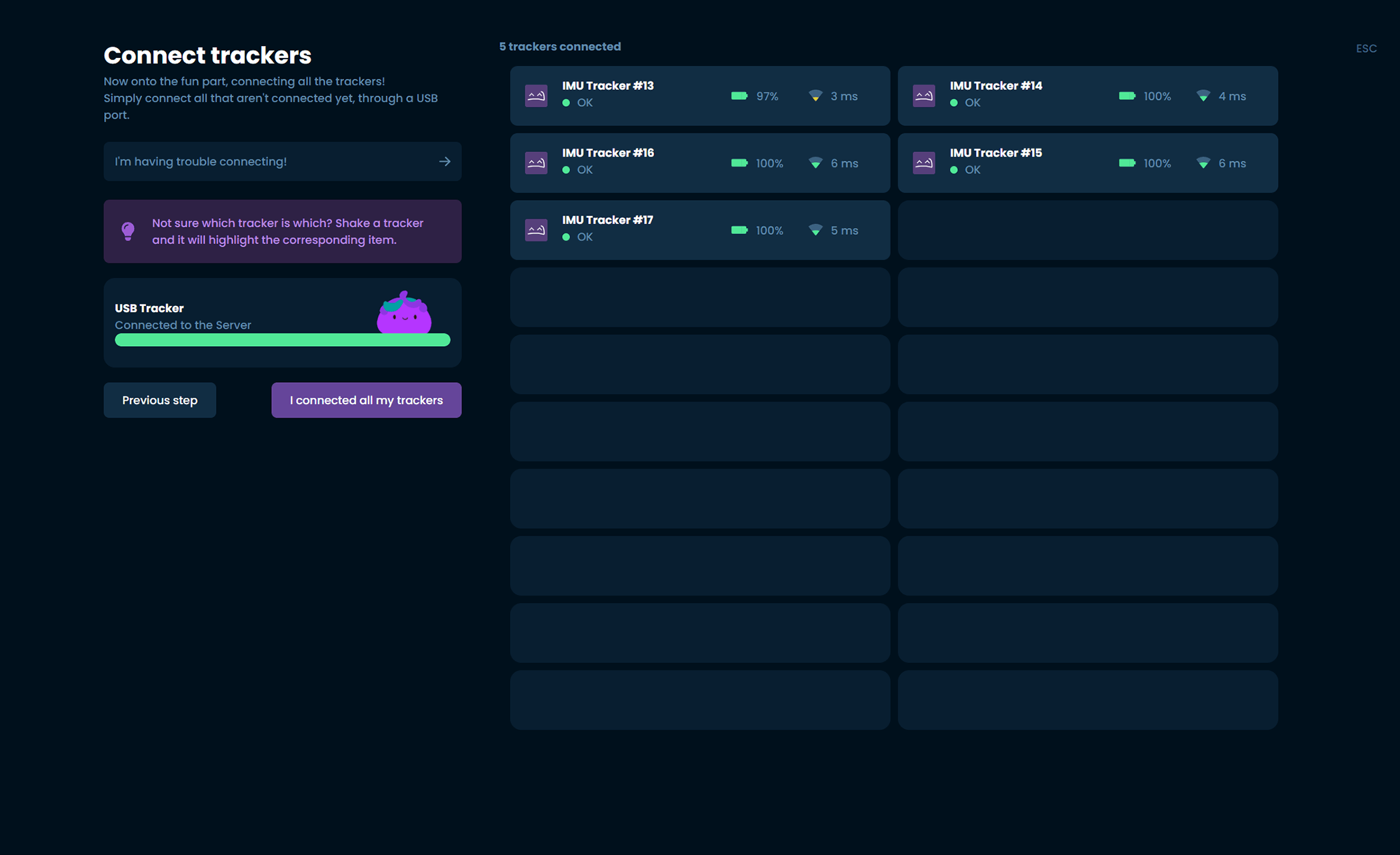
In case of issues with tracker detection in SlimeVR server, you may need to install the CP210x drivers for the module.
🔄 Sensor Stabilization
The trackers use firmware with dynamic calibration. Initial gyroscope stabilization is crucial for proper function:
- Place the trackers on a stable surface
- Turn them on and leave them still for 30 seconds for sensor stabilization
📍 Correct Tracker Placement
Pay attention to the correct placement and orientation of the trackers:
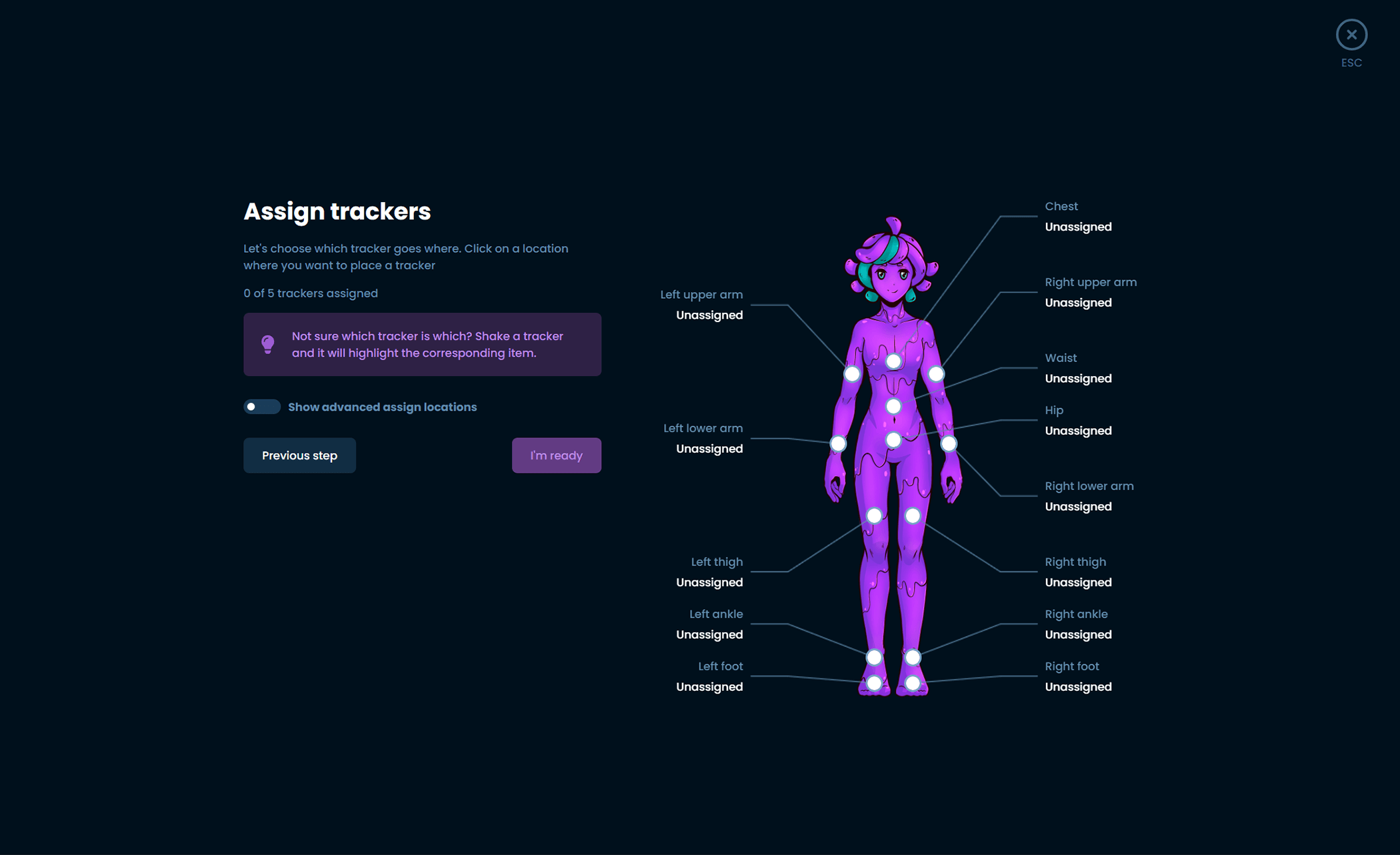
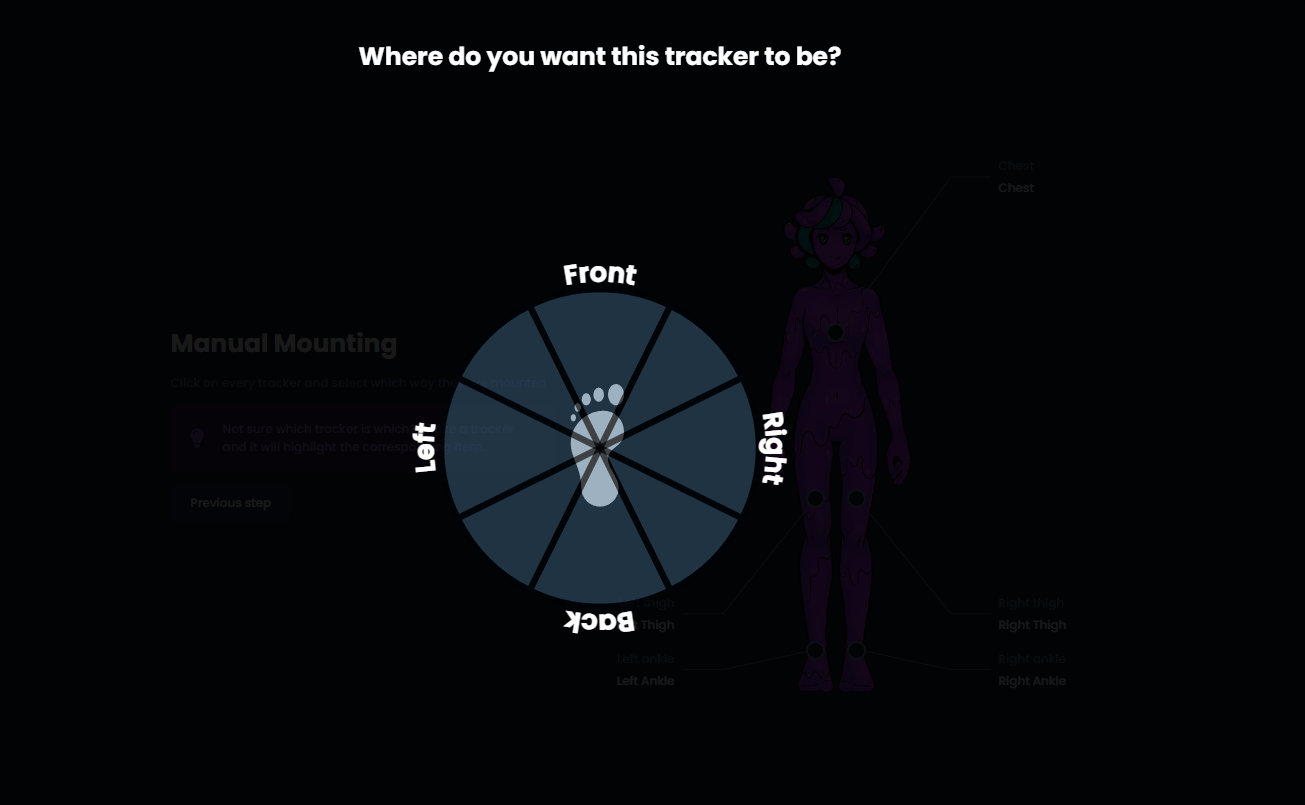
- Wear trackers on the front; ankle trackers should be at roughly a 45° angle
- Follow the instructions in the server during mounting
- Arrow on the tracker = always points to the ceiling
- Correct assignment ensures accurate tracking
🎯 Calibration in SlimeVR Server
Mounting Calibration
Use the two-step automatic calibration:
- Stand upright and confirm the position
- Assume the "skier going downhill" position and confirm
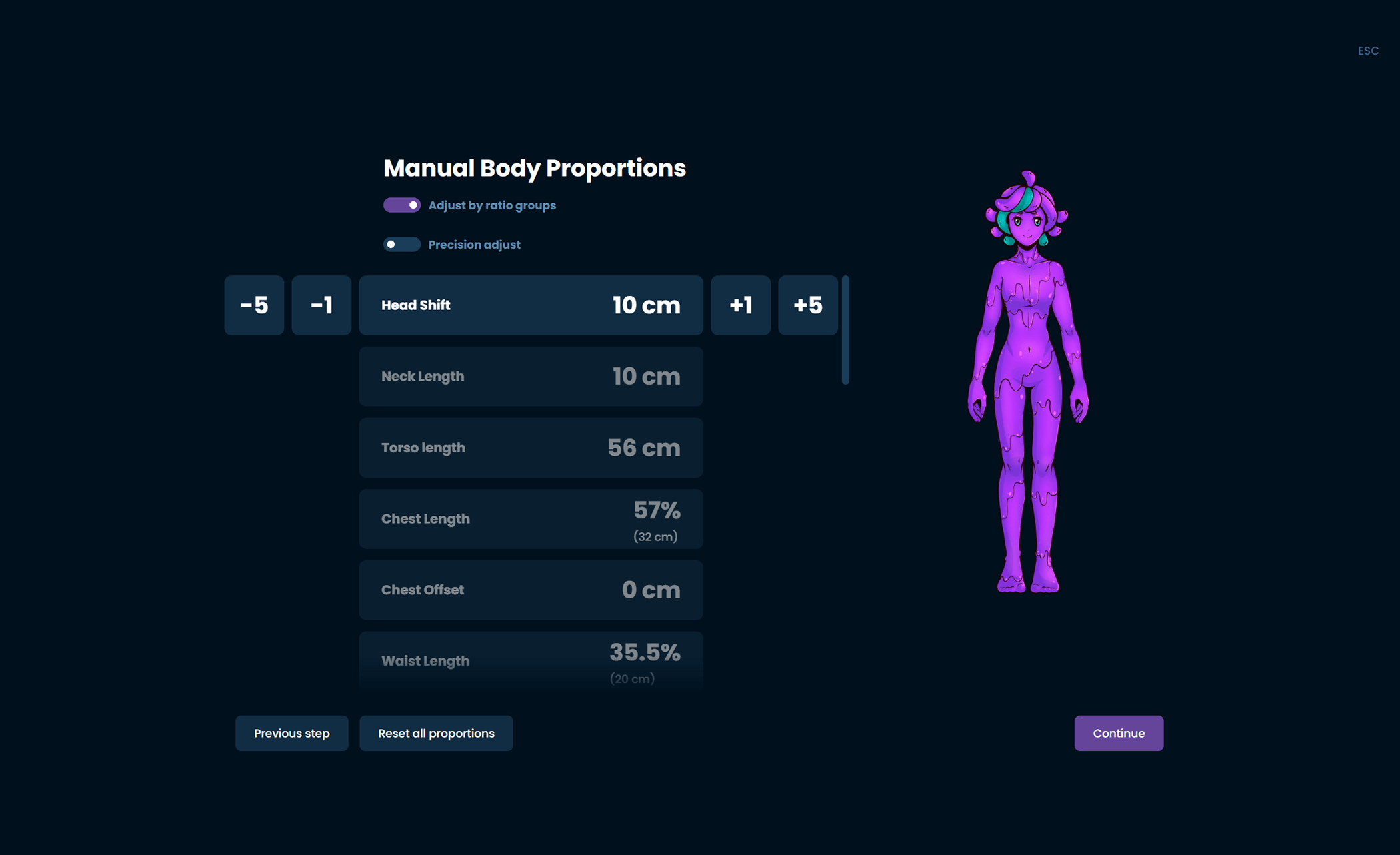
Body Proportions
- Start with automatic proportions
- Good setup:
- No yaw reset needed when changing positions
- Legs do not cross when sitting
- Fine-tune manually as needed
💡 Pro Tip
After about 10 minutes of use, the trackers warm up to operating temperature. For maximum measurement accuracy, I recommend placing the trackers on a stable surface again for 30 seconds for recalibration at this point.
Need advice?
I'm here for you at info@hwcave.cz or by phone at 703 132 831.
I'm happy to help with any issue or question regarding tracking or setup.